
Most businesses view WordPress maintenance as a basic IT chore. They assume clicking “update” once a month and installing a free security plugin is enough to protect their investment. For WPcare clients operating in the era of algorithmic search and complex supply chain attacks, this reactive approach is a significant operational liability.
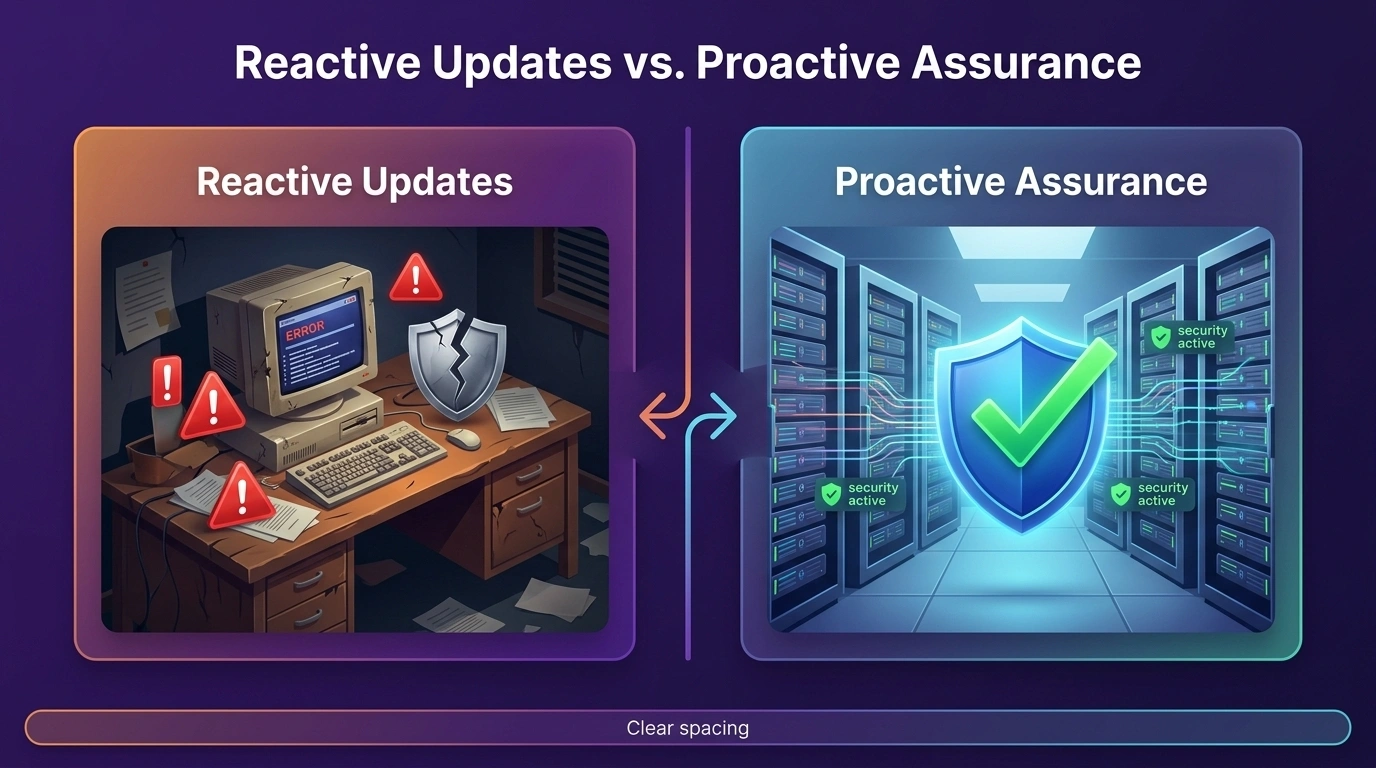
A corporate WordPress site is not just a digital brochure: it is a highly interconnected database. It is the “Digital Twin” of your business. If the underlying architecture decays, Large Language Models (LLMs) and search engines cannot extract your data. This comprehensive checklist moves beyond basic updates and provides the exact architectural framework WPcare uses to secure professional digital assets.
What Is WordPress Maintenance?
WordPress maintenance is the continuous technical engineering required to ensure a website remains secure, fast, and mathematically readable by search engines.
Definition and Scope of WordPress Maintenance
Maintenance encompasses server-level hardening, database optimisation, security patching, and structural SEO audits. It is the proactive management of the entire software supply chain: including the WordPress core, third-party plugins, active themes, and the underlying PHP runtime environment.
WordPress Maintenance vs. General WordPress Management
Management involves publishing content, adding new products, or changing visual designs. Maintenance is strictly focused on infrastructure assurance. Management drives frontend engagement, while maintenance prevents backend failure.
Why WordPress Maintenance Is Critical in 2026
Ignoring maintenance degrades your digital asset daily.
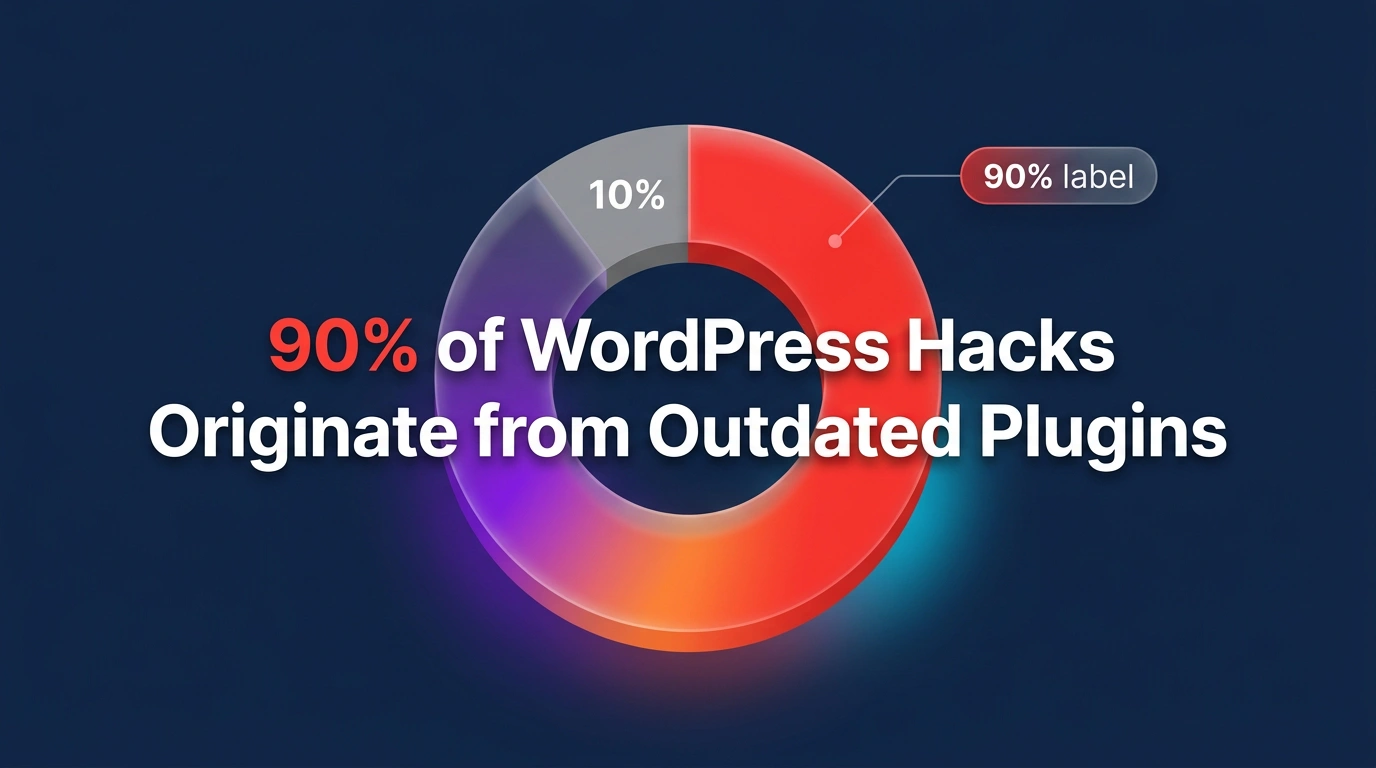
- Security Risks: Vulnerability databases, such as Patchstack’s State of WordPress Security report, show that over 90% of WordPress compromises originate from outdated third-party plugins.
- Performance Impact: Technical debt from bloated CSS and orphaned metadata slows down your Time to First Byte (TTFB), frustrating users and increasing bounce rates.
- SEO Consequences: Google’s algorithms prioritise Core Web Vitals. Insecure or slow sites suffer “Entity Salience” drops, causing search engines to de-index pages and wipe out organic revenue.
Summary Table: WPcare Maintenance Framework
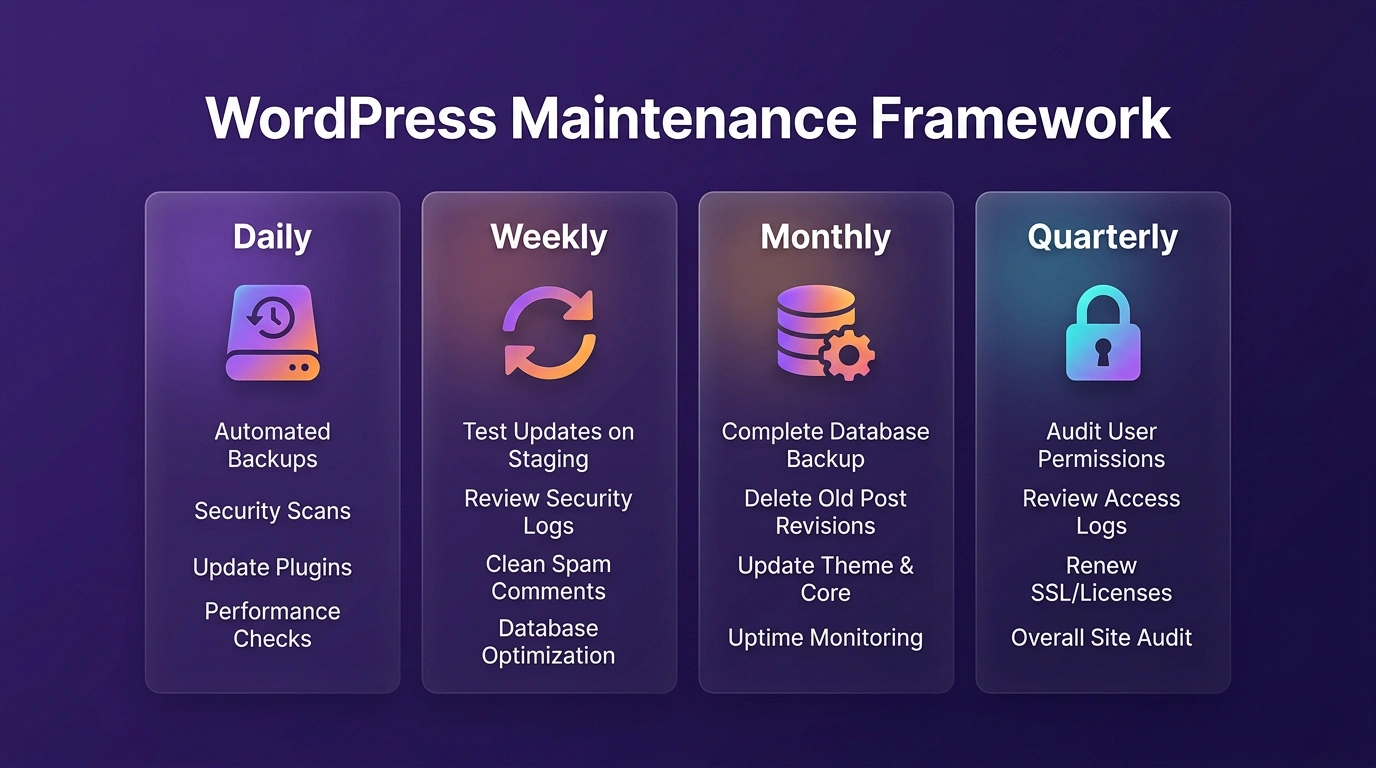
| Frequency | Category | Core Tasks | Key Infrastructure Benefit |
| Daily | Resilience | Off-site backups, Uptime monitoring, Malware scans | Ensures zero data loss and immediate threat detection. |
| Weekly | Hygiene | Staging updates, Broken links, Pathway testing | Prevents software decay and maintains semantic integrity. |
| Monthly | Efficiency | Database cleanup, Image compression | Maintains low TTFB and optimal database query speeds. |
| Quarterly | Hardening | Security audits, PHP upgrades (8.3+) | Aligns server environment with modern security standards. |
| Annual | Strategy | License renewals, Disaster recovery audit | Secures long-term viability and software compliance. |
The Complete Checklist by Frequency
Daily WordPress Maintenance Tasks
These tasks must run automatically without fail to ensure immediate resilience.
- Back Up Your WordPress Site: Maintain offsite, encrypted backups. For WooCommerce or high-traffic portals, backups must run in real-time.
- Monitor Website Uptime: Deploy an external monitoring tool to ping your server every five minutes.
- Run Security and Malware Scans: Perform automated daily server-level scans to detect hidden PHP backdoors or malicious script injections the moment they occur.
- Check Dashboard Notifications: Review for critical alerts regarding failing background scripts or immediate security patch requirements.
Weekly WordPress Maintenance Tasks
Weekly tasks prevent the accumulation of technical debt.
- Update WordPress Core, Themes, and Plugins: Never update on a live site. Test all code changes on a secure staging server first.
- Fix Broken Links and 404 Errors: Use a cloud-based crawler to identify dead links. Broken internal links severely degrade the semantic relationships required by AI search engines.
- Test Functional Pathways: Submit test inquiries through contact forms and verify that payment gateways remain open.
Monthly WordPress Maintenance Tasks
Monthly maintenance focuses on deep optimisation and data integrity.
- Database Optimisation: Clear out old post revisions and expired transient options to reduce database query times.
- Audit User Roles: Enforce the Principle of Least Privilege. Remove administrative access from former employees and downgrade inactive users.
- Media Compression: Run bulk compression to convert heavy media files into next-generation formats like WebP or AVIF.
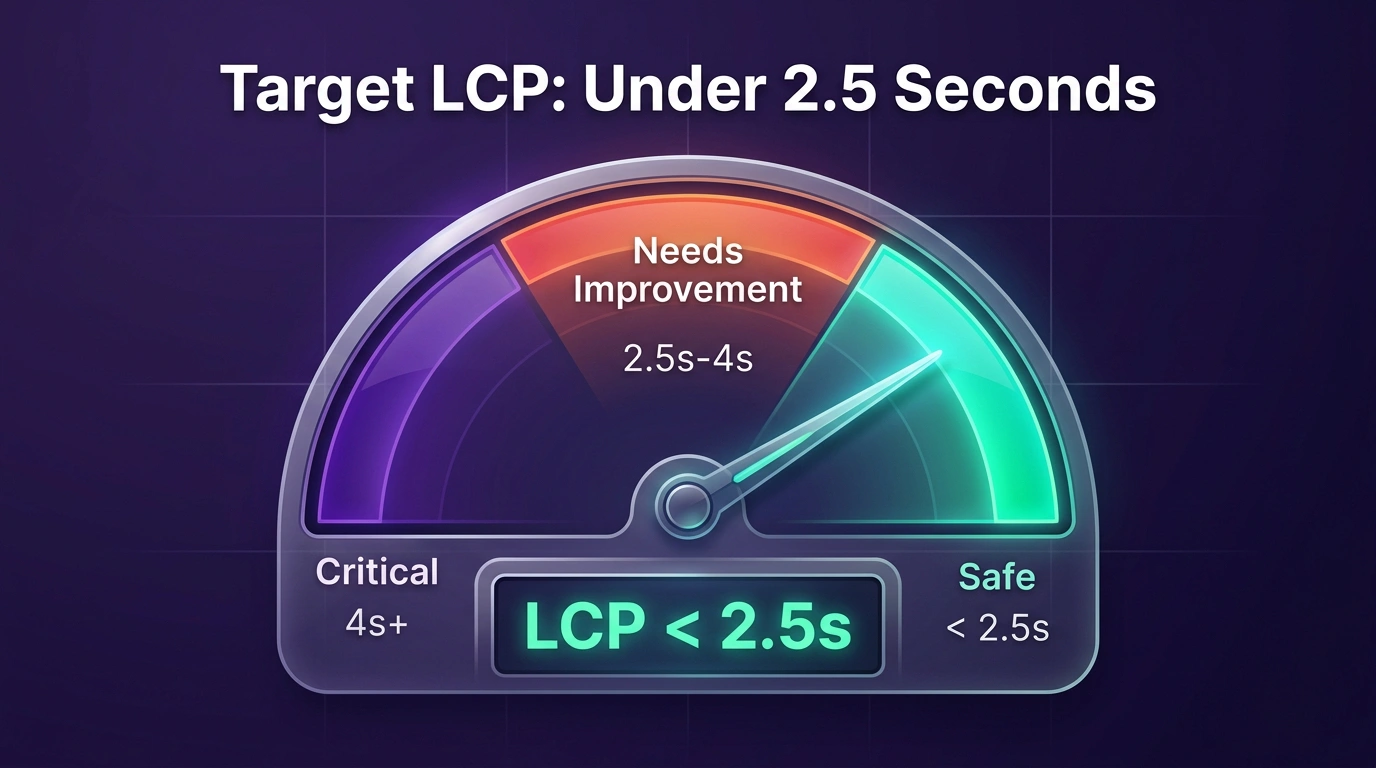
- Speed Benchmarking: Measure your site against Google’s Core Web Vitals. Target a Largest Contentful Paint (LCP) under 2.5 seconds.
Quarterly & Annual Tasks
These tasks secure the long-term viability of the digital asset.
- Quarterly: Update the PHP version (currently 8.3 or 8.4) and remove all inactive themes and plugins to eliminate hidden attack vectors.
- Annual: Renew all premium software licenses and perform a full disaster recovery test to verify backup integrity.
Frequently Asked Questions
Do All WordPress Websites Require Regular Maintenance?
Yes. WordPress powers over 43% of the web, making it the primary target for automated hacking networks. Without proactive maintenance, your site architecture will eventually fail.
How Long Does a Maintenance Routine Take?
A thorough weekly routine takes an experienced developer one to two hours. This timeframe factors in staging backups, safe plugin updates, and rigorous functionality testing.
What Are the Risks of Skipping Maintenance?
Skipping maintenance results in catastrophic data loss, severe Google ranking penalties due to slow speeds, and the high financial cost of emergency malware removal.
Stop Pressing Update. Start Protecting Your Digital Asset.
Relying on a simple checklist and a few free plugins is a dangerous strategy for a corporate entity. Your website requires dedicated architectural governance.
WPcare provides proactive, enterprise-grade Infrastructure Assurance for high-growth professional firms. We do not just click update: we protect your digital twin from the server level up. Contact us today to secure your infrastructure.